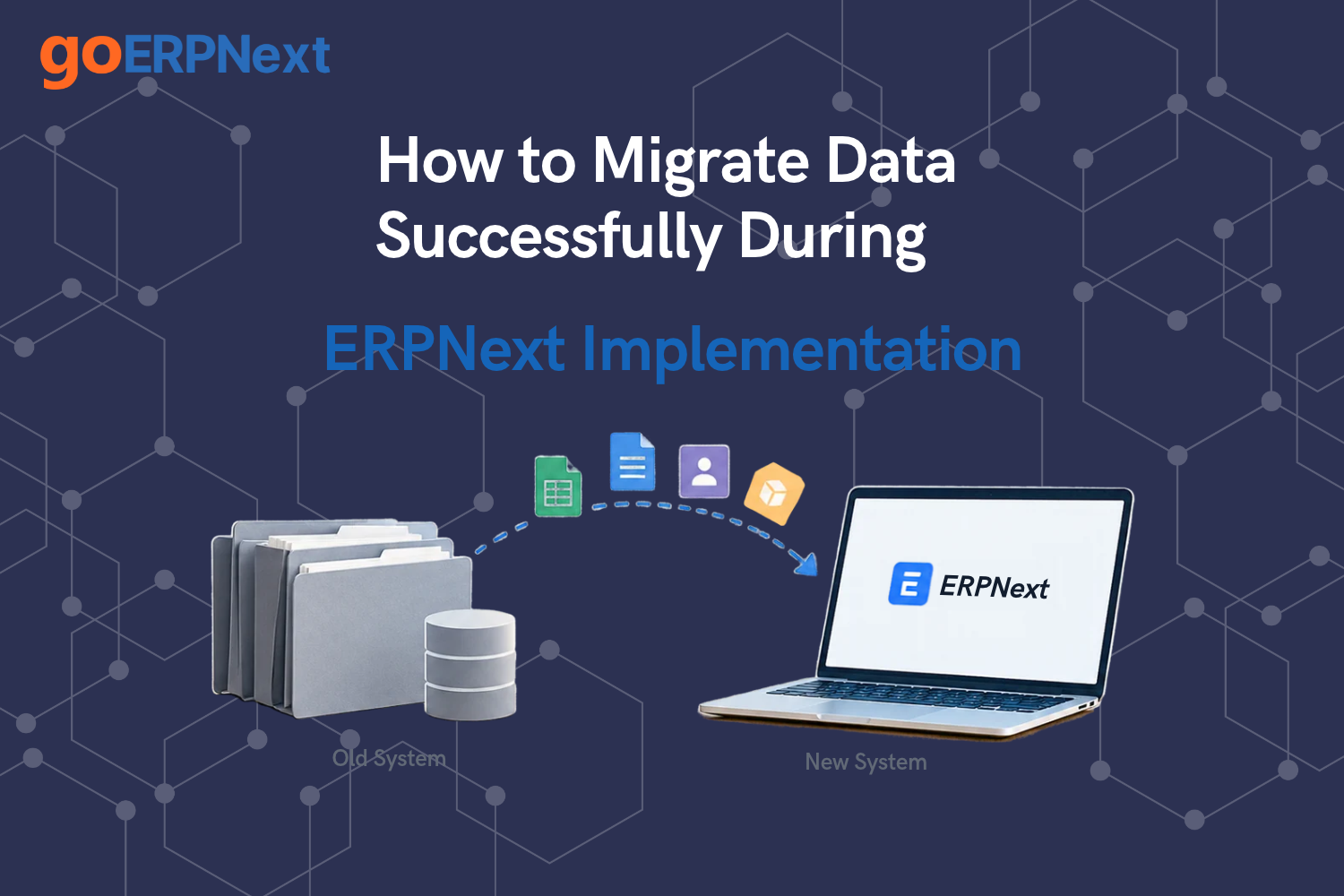
For pharmaceutical formulation manufacturers and API producers, the transition to a modern digital ecosystem is a high-stakes endeavor where the integrity of information is paramount. A successful ERPNext data migration is not merely a technical transfer of records from one database to another; it is the foundational step in ensuring regulatory compliance, operational continuity, and financial accuracy. In the pharma industry, where batch traceability and shelf-life management are non-negotiable, the migration process must be handled with surgical precision to avoid disruptions in the supply chain or compromises in quality control standards.
The Critical Role of Data Integrity in Pharma ERP Transitions
Pharmaceutical businesses, including contract manufacturers and loan license units, deal with complex datasets that involve intricate chemical compositions, multi-level Bills of Materials, and rigorous manufacturing yield calculations. When shifting from outdated legacy systems or manual spreadsheets, the primary challenge lies in the sheer volume and sensitivity of the data. Ensuring that every SKU and inventory management detail including dosage forms, strengths, and pack sizes is accurately captured is essential for maintaining GMP and Schedule M compliance.
Inaccurate data during the migration phase can lead to catastrophic failures, such as incorrect batch costing or the mismanagement of expired stocks. Therefore, any robust strategy for how to migrate data from old ERP to ERPNext must prioritize data cleansing and validation. For pharma exporters and import-export traders, this also includes maintaining precise records of regulatory audit trails and international shipping documentation. Without a clean migration, features like real-time sales dashboards and order pipeline tracking across locations will provide misleading insights, hindering strategic decision-making.
Pre-migration: Data Auditing and Cleanup
Before initiating the technical upload, a comprehensive audit of the existing data is required. This phase involves identifying obsolete items, redundant customer records, and inactive supplier profiles. For a nutraceutical and dietary supplement brand, this might mean reconciling thousands of ingredient variants. Cleanup ensures that only high-quality, relevant information enters the new system, which significantly reduces the likelihood of encountering troubleshooting ERPNext data import errors later in the process.
During this stage, pharma manufacturers should focus on standardizing their naming conventions for items and batches. Whether it is Ayurvedic, herbal, or homeopathic medicine manufacturers, having a unified structure for item and batch creation incorporating composition, strength, and rejection tracking is vital. This is also the time to refine your pharma lead management records, ensuring that customer inquiry routing and allocation to sales teams are based on up-to-date contact information and historical interaction data. High-quality ERPNext implementation services always emphasize that 80% of migration success is determined during this preparation phase.
Understanding the ERPNext Data Import Tool
The ERPNext Data Import Tool is a powerful, built-in utility designed to handle bulk uploads through CSV or Excel templates. It allows administrators to map columns from legacy files to the specific fields within the Frappe framework. For those new to the platform, reviewing the ERPNext Official Documentation: Data Import is the first step in understanding the tool’s capabilities and limitations. The tool supports both Insert New Records and Update Existing Records, providing flexibility for iterative migration cycles.
For more technical users or system administrators, exploring the Frappe Framework Documentation: Data Import Tools provides deeper insights into how the backend processes these requests. This technical understanding is crucial when dealing with complex pharma data, such as contract manufacturing management records or conversion cost tracking for job work. A well-configured import tool ensures that payment scheduling automation and customer portal solutions are populated with the correct historical data, allowing for a seamless transition for both internal staff and external distributors.
The Golden Sequence: What to Import First
One of the most frequent mistakes in ERP transitions is attempting to upload data in a random order. Adhering to the correct sequence of data import in ERPNext implementation is mandatory because the system relies on relational links between different documents. For example, you cannot import a Sales Order if the Customer and the Item do not already exist in the database. In the pharma context, this sequence is even more critical due to the reliance on batch-based operations and quality inspections.
The recommended order typically starts with global defaults and master data. You begin with Units of Measure (UOMs), followed by Item Groups, and then the Items themselves, including details like shelf life and manufacturing yield. Once the items are in place, you move to Warehouse structures and then to Business Associates. Only after these masters are established can you successfully import complex transactions such as sales order booking or batch allocation for FEFO-based picking. Following best practices for ERPNext data migration ensures that the relational integrity of your pharma inventory management software remains intact throughout the transition.
Template Preparation and Mapping Custom Fields
ERPNext provides standard templates for every DocType, but pharmaceutical manufacturing often requires custom fields to meet regulatory or operational needs. For instance, API and bulk drug manufacturers might need fields for Potency or Re-test Date, while medical device businesses might require Serial Number Tracking. These custom fields must be created in ERPNext before downloading the import templates to ensure they are included in the mapping process.
Mapping is the process of aligning your legacy data columns with ERPNext fields. If you are using a Frappe data import tutorial, you will learn that matching the exact field names and data types is essential for a successful upload. This is particularly important for pharma item and batch creation, where composition and pack size must be mapped accurately to ensure that automated quotation and proforma invoice generation function correctly post-go-live. For complex scenarios involving C&F agents and depot operators, ensuring that location-specific data is correctly mapped will prevent inventory discrepancies across the distribution network.
Recommended Sequence for Pharma Data Migration
| Step | Data Category | Key Pharma Details | Dependencies |
|---|---|---|---|
| 1 | Master Settings | UOMs, Currencies, Chart of Accounts | None |
| 2 | Item Master | Dosage Forms, Strengths, Batch Tracking | UOMs, Item Groups |
| 3 | Stakeholders | Distributors, Stockists, API Suppliers | Account Groups |
| 4 | Opening Balances | Batch-wise stock, Ledger Balances | Items, Warehouses, Accounts |
| 5 | Open Transactions | Pending Sales Orders, Purchase Orders | Items, Customers, Suppliers |
Handling Opening Balances for Accounting and Stock
The most critical phase of the go-live sequence is the ERPNext opening balances import. This process involves two main components: financial balances and physical stock levels. For a pharmaceutical company, stock opening must be done on a batch-by-batch basis. You cannot simply upload a total quantity for an item; you must specify the batch number, manufacturing date, and expiry date for every SKU currently in the warehouse. This is vital for maintaining FEFO logic and ensuring real-time batch stock valuation.
On the financial side, opening balances must reflect the current state of the Chart of Accounts, including accounts receivable from distributor networks and accounts payable to raw material suppliers. Integrating payment allocation, reconciliation, and customer account management requires that all opening ledger entries are precise. For contract manufacturing and institutional supply orders, milestone-based billing records must also be transitioned carefully to ensure that future invoices are generated against the correct historical context. This financial accuracy is what allows for effective accounting integration and reliable financial reporting.
Troubleshooting Common Migration Errors
Even with meticulous planning, errors can occur. Common issues include Mandatory Field Missing, Link Mismatch, or Data Type Incompatibility. When encountering these, referring to the ERPNext Discourse: Data Migration Best Practices can provide solutions from a global community of experts who have faced similar challenges. Often, the error lies in a simple formatting mistake, such as an incorrect date format or a trailing space in a naming field.
For pharma businesses, a common hurdle is the complexity of multi-level BOMs. If an intermediate chemical is missing from the Item Master, the BOM import will fail. System administrators should use the Error Log feature within the Data Import Tool to pinpoint the exact row and column causing the issue. Addressing these troubleshooting ERPNext data import errors promptly is essential to maintain the implementation timeline and ensure that the team can begin testing the sales order booking and order cancellation workflows without delay.
Post-Migration Validation and Reconciliation
Once the data is imported, the validation phase begins. This involves comparing the reports in ERPNext with those from the legacy system. For a pharma wholesaler or retail pharmacy chain, this means verifying that the stock levels in each depot match the physical counts and the old records. Financial reconciliation is equally important; the Trial Balance in ERPNext must perfectly match the closing Trial Balance of the previous system. This ensures that the payment scheduling tied to distributor credit terms remains accurate.
Validation also extends to functional testing. Can the system correctly calculate manufacturing yield based on the imported BOMs? Are the regulatory audit trails for GMP and Schedule M compliance capturing all necessary data points? Is the WhatsApp CRM integration correctly pulling distributor contact info for order updates? Successful post-migration validation gives the management team the confidence to decommission the old system and fully embrace the new ERPNext environment for their daily operations.
Advanced Automation in Data Migration
For large-scale pharma exporters or medical device manufacturers with massive datasets, manual CSV imports might be too slow. In such cases, using the Frappe API or custom scripts can automate the migration process. This allows for real-time data sync during the transition period, which is particularly useful for organizations that cannot afford significant downtime. Automation can also be applied to lead capture and inquiry management from pharma B2B portals, ensuring that no sales opportunities are lost during the switch.
Furthermore, integrating VOIP integration for call tracking and CRM integration for unified customer engagement requires that historical communication records are also migrated. This ensures that medical representatives and regional managers have a complete view of the customer journey from day one. By leveraging advanced scripts, businesses can ensure that even complex data like conversion cost tracking for loan license job work is moved with 100% accuracy, providing a solid foundation for real-time sales dashboards and demand forecasting.
Pharma specializes in navigating the complexities of pharmaceutical data environments. Our team understands that for a pharma manufacturer, data is more than just numbers it is a reflection of product quality and regulatory standing. We provide end-to-end guidance on how to migrate data from old ERP to ERPNext, ensuring that your batch records, expiry dates, and financial ledgers are transitioned without a single discrepancy. Whether you are managing API production or a retail pharmacy chain, our implementation strategies are designed to minimize risk and maximize operational efficiency.
Frequently Asked Questions
1. How long does a typical ERPNext data migration take for a pharma company?
The duration depends on the volume and cleanliness of the legacy data. For a mid-sized pharma manufacturer, the preparation, cleanup, and migration process usually takes between 4 to 8 weeks. This timeline includes multiple rounds of test migrations to ensure the sequence of data import in ERPNext implementation is perfected before the final go-live.
2. Can we migrate historical batch records into ERPNext?
Yes, you can migrate historical batch data. However, it is recommended to only migrate active batches and those required for immediate regulatory audit trails. Old, expired batch data is often better kept in an archive to keep the new system lean and performant, though it can be imported if specifically required for compliance purposes.
3. How does ERPNext handle FEFO during the migration of opening stock?
During the ERPNext opening balances import, you specify the expiry date for each batch. Once the data is in the system, the FEFO-based picking logic automatically suggests the oldest usable stock for sales orders and production, ensuring that your inventory management remains optimized from the first day of use.
4. What should I do if I encounter Link Mismatch errors during import?
A link mismatch error usually means the data you are trying to upload references a record that doesn’t exist in the system yet. Ensure you are following the correct sequence of data import in ERPNext implementation—importing Masters like Items and Customers before trying to upload transactional data like opening stock or outstanding invoices.
Conclusion
Successful data migration is the heartbeat of a successful ERP implementation. For pharmaceutical companies, it is the bridge between legacy limitations and modern efficiency. By understanding the ERPNext Data Import Tool, adhering to the golden sequence of imports, and meticulously validating every batch and ledger entry, businesses can ensure a smooth transition that supports GMP and Schedule M compliance. With the right approach to troubleshooting ERPNext data import errors and a focus on data integrity, your organization will be well-positioned to leverage the full power of ERPNext for inventory visibility, demand forecasting, and global distribution. The goal is a system that not only stores data but turns it into a strategic asset for growth in the competitive pharma landscape.