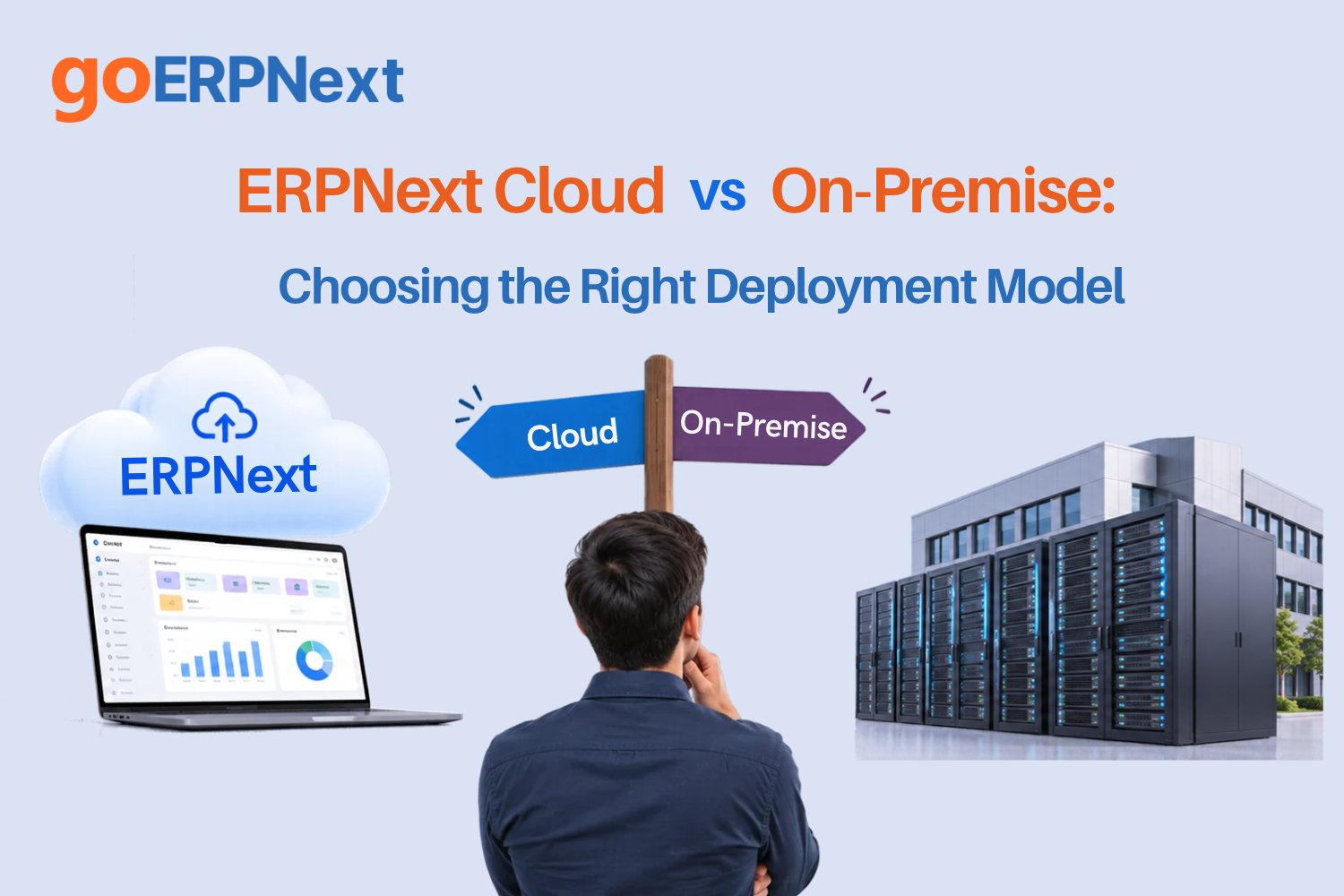
Selecting the right infrastructure for your business management software is a decision that impacts every department, from finance to the warehouse. When evaluating ERPNext Cloud vs On-Premise, decision-makers must weigh the convenience of a managed environment against the granular control offered by self-hosting. This choice is not merely a technical preference; it dictates your operational overhead, your data security posture, and the agility with which your IT team can respond to business changes. At GoERPNext, we see many organizations struggle with this decision, often underestimating the long-term maintenance requirements of a self-hosted instance or the specific limitations of a multi-tenant cloud environment.
The debate between ERPNext Cloud vs On-Premise usually centers on where the Frappe framework and the ERPNext application reside. In a cloud setup, typically through Frappe Cloud, the infrastructure, updates, and backups are managed by the service provider. On the other hand, an on-premise or self-hosted deployment involves installing the software on your own local servers or a private virtual private server (VPS). Each path requires a different set of skills and resource allocations. Understanding these ERPNext deployment models is the first step toward a successful, long-term implementation that supports your business growth without becoming a technical burden.
Understanding ERPNext Deployment Options
Before diving into the specifics of ERPNext Cloud vs On-Premise, it is vital to understand the landscape of ERPNext deployment models. There are three primary ways to host your ERP system. First is the official Frappe Cloud, which is a managed hosting platform designed specifically for Frappe and ERPNext. It offers a “Software as a Service” (SaaS) experience while still allowing for custom app installations.
The second option is self-hosting on a public cloud provider like AWS, Google Cloud, or DigitalOcean. While this is technically “in the cloud,” it is categorized under the on-premise philosophy because you are responsible for the operating system, the database, and the Frappe Bench environment. This is often referred to as a “self-hosted” or “private cloud” setup. The third option is true on-premise hosting, where the software lives on a physical server inside your office building or data center, accessible via your local area network (LAN) or a VPN.
Each model has its own ERPNext hosting options regarding scalability. Frappe Cloud allows you to scale resources with a few clicks, whereas a self-hosted VPS requires manual resizing of the instance and potentially resizing the disk partitions. A physical on-premise server requires a capital expenditure every time you need to upgrade RAM or storage. Recognizing these distinctions helps in identifying which model aligns with your company’s IT maturity and budget.
ERPNext Cloud (Frappe Cloud): Pros and Cons
Frappe Cloud is the go-to choice for many small to medium-sized enterprises (SMEs) that want to focus on using the ERP rather than managing the technology behind it. When comparing Frappe Cloud vs self-hosted, the primary advantage is the “zero-ops” approach. You do not need a Linux administrator to run updates, manage backups, or configure SSL certificates. Everything is handled via a clean, web-based dashboard.
Pros of Frappe Cloud:
- Managed Backups: Automated daily backups with easy one-click restore functionality.
- Automatic Updates: Security patches and minor version updates are managed, reducing the risk of running outdated software.
- Security: Benefit from the platform-level security measures, including managed firewalls and DDoS protection.
- Ease of Customization: Unlike traditional SaaS, Frappe Cloud allows you to install custom Frappe apps and manage multiple “sites” on a single dashboard.
Cons of Frappe Cloud:
- Recurring Costs: While initial costs are low, the subscription fee is ongoing.
- Limited Root Access: You do not have SSH access to the underlying server. You cannot modify the Nginx configuration or the MariaDB settings directly; you must work within the constraints of the platform.
- Internet Dependency: Since it is hosted in the cloud, you must have a stable internet connection to access your data.
ERPNext On-Premise: Complete Control and Responsibility
For organizations with strict data sovereignty requirements or those operating in areas with poor internet connectivity, the on-premise model is often the preferred choice. Choosing ERPNext Cloud vs On-Premise for a large-scale manufacturing plant might lean toward on-premise to ensure the production line never stops due to an external internet outage. Self-hosting gives you full access to the Frappe Bench CLI, allowing for deep technical optimizations.
With an on-premise setup, your IT team has full SSH access to the server. This means you can tune the database for specific heavy-duty reporting tasks, install third-party system-level dependencies, and integrate directly with local hardware like biometric devices or PLC controllers on the shop floor. However, this control comes with the weight of responsibility. You are the one who must ensure the server is patched against the latest vulnerabilities and that backups are not only running but are also stored off-site.
The self-hosted route is often favored by developers who want to experiment with the core code or by enterprises that have already invested heavily in their own server infrastructure. If your business already employs a full-time system administrator, the transition to managing an ERPNext instance may be a natural extension of their existing duties.
The Cost Factor: Subscription vs Capital Expenditure
A major point of comparison in the ERPNext Cloud vs On-Premise debate is the financial impact. This is often a choice between Operating Expenditure (OpEx) and Capital Expenditure (CapEx). Frappe Cloud follows a subscription model where you pay for what you use, making it easy to predict monthly costs. In contrast, on-premise requires an initial investment in hardware and ongoing costs for electricity, cooling, and personnel.
When conducting a cost comparison ERPNext cloud vs on-premise, you must look beyond the monthly bill. Consider the “Total Cost of Ownership” (TCO). A self-hosted server might seem cheaper because the software itself is free and open-source, but the cost of a single hour of downtime caused by a failed hard drive can far exceed a year’s worth of cloud subscription fees.
| Feature | Frappe Cloud (Managed) | Self-Hosted (VPS/On-Premise) |
|---|---|---|
| Setup Cost | Low to Zero | Hardware/Server Provisioning Costs |
| Monthly Fee | Predictable Subscription | Low (VPS) to Variable (Internal Power/Maintenance) |
| Maintenance | Included in Subscription | Requires Paid Staff or External Consultant |
| Scalability | Instant (Pay-as-you-go) | Manual Upgrade/Hardware Purchase |
| Data Backups | Automated & Offsite | Must be manually configured and monitored |
Security and Compliance Comparison
Security is a critical pillar when deciding between ERPNext Cloud vs On-Premise. In a cloud environment, you rely on the provider’s security certifications (such as SOC2 or ISO 27001). For many businesses, this is actually safer than what they could provide themselves. Frappe Cloud handles the hardening of the Linux environment, keeps the firewall updated, and ensures that SSL certificates are always valid.
However, for certain industries like healthcare or defense, data must reside within a specific geographic location or even on a disconnected “air-gapped” network. In these cases, on-premise is the only viable option. If you choose to self-host, you must implement your own security stack. This includes setting up fail2ban to prevent brute-force attacks, configuring a robust UFW (Uncomplicated Firewall), and ensuring that your MariaDB instance is not exposed to the public internet. Security in the on-premise world is not a “set it and forget it” task; it requires constant vigilance and regular audits.
Technical Requirements for Self-Hosting ERPNext
If your organization decides to go the self-hosted route, you must ensure your environment meets the specific ERPNext server requirements. ERPNext is a resource-intensive application because it relies on multiple services working in tandem: MariaDB for data storage, Redis for caching and job queuing, and Node.js for real-time socket communication. For a smooth experience, you cannot simply install it on any old office PC.
The standard ERPNext on-premise installation requirements for a small team (up to 10 users) typically include:
- Operating System: Ubuntu 22.04 LTS (Recommended for stability).
- Processor: At least 2 Cores (4 Cores recommended for faster report generation).
- RAM: 4GB minimum, though 8GB is the sweet spot for a production environment to prevent “Out of Memory” errors during PDF generation.
- Storage: 40GB SSD (Standard HDDs are often too slow for the database queries).
- Dependencies: Python 3.10+, MariaDB 10.6+, Redis, and Node.js 18+.
Properly configuring the Frappe Bench is essential. You will need to manage the configuration of Gunicorn workers based on the number of CPU cores available. Failing to tune these settings often leads to the “504 Gateway Timeout” errors that plague poorly managed on-premise installations.
Migrating from ERPNext Self-Hosted to Frappe Cloud
Many businesses start with a self-hosted instance to save money during the early stages, only to find the maintenance too taxing as they grow. Fortunately, migrating from ERPNext self-hosted to Frappe Cloud is a well-documented process. The architecture of Frappe makes it relatively easy to move your data, provided you are on a compatible version.
The migration workflow generally involves these steps:
- Audit Customizations: Ensure any custom apps you have built are hosted on a Git repository (like GitHub or GitLab).
- Backup Data: Run the
bench backup --with-filescommand on your current server. This generates a SQL dump and archives for your public and private files. - Create Site on Cloud: Set up a new site on Frappe Cloud that matches the ERPNext version of your current instance.
- Upload and Restore: Use the Frappe Cloud dashboard to upload your backup files. The platform will automatically handle the restoration of the database and the linking of files.
- DNS Cutover: Once you have verified the data, update your domain’s A-record or CNAME to point to the new cloud instance.
This path allows businesses to “graduate” from managing their own hardware to a managed service without losing their historical data or custom workflows.
Decision Framework: 10 Questions to Ask Before Choosing
To help you decide on the how to choose ERPNext deployment model, we have developed a checklist. Answer these questions honestly to see which direction your business should take.
- Do you have a dedicated Linux System Administrator on staff? If no, Cloud is likely better.
- Does your business operate in an area with frequent internet outages? If yes, On-Premise is safer.
- Are you required by law to keep data on your physical premises? If yes, On-Premise is mandatory.
- Is your initial budget tight, favoring monthly payments over a large upfront hardware cost? If yes, Cloud is the winner.
- Do you plan to integrate with local hardware (e.g., weighing scales, CNC machines)? If yes, On-Premise offers easier integration.
- Do you need the ability to customize the server’s Nginx or Database configuration? If yes, On-Premise/VPS is required.
- Is 99.9% uptime critical to your operations? Managed Cloud providers usually offer better uptime than a standard office server.
- Do you want to manage your own backups and disaster recovery testing? If no, go with Cloud.
- Are you using only standard ERPNext features or widely used custom apps? If yes, Frappe Cloud is perfect.
- Is your team geographically distributed across different countries? If yes, Cloud provides better global latency and access.
Common Mistakes and How to Avoid Them
One of the most frequent mistakes we see at GoERPNext is businesses choosing the on-premise model because “the software is free,” only to realize they don’t have the skills to maintain it. They often end up with a system that hasn’t been updated in two years, leaving them vulnerable to security risks and missing out on new features. To avoid this, always factor in the cost of a support contract or a part-time DevOps consultant if you choose to self-host.
Another mistake is choosing a cloud provider without checking for data exportability. Fortunately, ERPNext is built on the Frappe framework, which is inherently open-source. This means you are never “locked in.” You can move from Frappe Cloud to a private server at any time. However, always ensure you have a clear plan for how to handle large file attachments during a move, as these can grow into hundreds of gigabytes over time.
Finally, businesses often ignore the importance of a staging environment. Whether you are on ERPNext Cloud vs On-Premise, you should never test new customizations or major updates on your “live” production site. Frappe Cloud makes creating a “bench” for testing very easy, whereas on-premise setups require you to manually duplicate the environment, which is often neglected until something breaks.
Realistic Scenarios: Cloud vs On-Premise in Action
Scenario A: The Growing E-commerce Brand
A clothing brand selling online needs to manage inventory and accounting. Their team is remote, and they have no IT department. For them, ERPNext Cloud vs On-Premise is a simple choice. Frappe Cloud allows them to start immediately, handles their high traffic during holiday sales automatically, and keeps their financial data secure without them touching a single line of code.
Scenario B: The Remote Mining Operation
A mining company in a remote location with sporadic satellite internet needs to track equipment maintenance and payroll. Because they cannot rely on the cloud for daily operations, they install ERPNext on a high-availability server cluster within their local network. They use the self-hosted model to ensure the ERP is always available to the staff on-site, syncing data to a central office only when the connection is stable.
Operational and Business Value
Choosing the right deployment model is about risk management. The value of ERPNext Cloud vs On-Premise is found in how it aligns with your core business strengths. If your company’s strength is manufacturing or retail, your resources are best spent on those activities, making the Cloud model highly valuable as it removes the “IT distraction.” If your company is a tech-heavy firm with specific security needs, the value of On-Premise lies in the absolute control and customization it offers.
By making the right choice, you ensure that your ERP system is a catalyst for growth rather than a bottleneck. A well-chosen infrastructure leads to faster system performance, higher user adoption, and a lower total cost of ownership over the five-to-ten-year lifecycle of the ERP system.
Frequently Asked Questions
1. Can I move from Cloud to On-Premise later?
Yes. ERPNext is open-source, and the data belongs to you. You can take a backup from Frappe Cloud and restore it on any server that meets the ERPNext server requirements. This flexibility is one of the primary reasons businesses choose ERPNext over proprietary competitors.
2. Is On-Premise more secure than Cloud?
Not necessarily. While you have more control on-premise, your security is only as good as your IT team’s expertise. Managed cloud providers often have dedicated security teams and infrastructure that would be prohibitively expensive for a single business to replicate.
3. Does Frappe Cloud support custom apps?
Yes, Frappe Cloud allows you to install custom apps by linking your GitHub repository. This gives you the benefits of managed hosting while still allowing for the deep workflow customizations that ERPNext is known for.
4. What happens if I stop paying my Cloud subscription?
Generally, your access will be restricted, and after a grace period, the instance will be deleted. It is vital to maintain regular off-site backups of your data, even when using a managed cloud service, to ensure you always have a copy of your business records.
Conclusion
The choice between ERPNext Cloud vs On-Premise ultimately comes down to your organization’s technical capacity and operational needs. Frappe Cloud offers an excellent, hassle-free experience for those who want to prioritize speed and ease of use. On-premise hosting remains the gold standard for those requiring absolute control, data sovereignty, and offline access. By carefully considering the costs, technical requirements, and long-term maintenance needs, you can select the deployment model that will best serve your business for years to come.
If you are still unsure which path is right for your implementation, or if you need assistance with the technical aspects of setting up your server, GoERPNext is here to help. Our community and consultants have extensive experience in both managed and self-hosted environments. We invite you to join the conversation on our discussion forum or browse our restructured documentation for more detailed guides on ERPNext deployment models. Whether you are migrating to the cloud or hardening your local server, the GoERPNext community is your partner in achieving ERP success.